Fastest support path
If you are already signed in to the app, use the in-app support chat. That is the fastest path for order issues, delivery disputes, or location problems because it stays tied to your account and delivery context.
The Help & Support screen lives under Quick Actions and connects directly to ops.
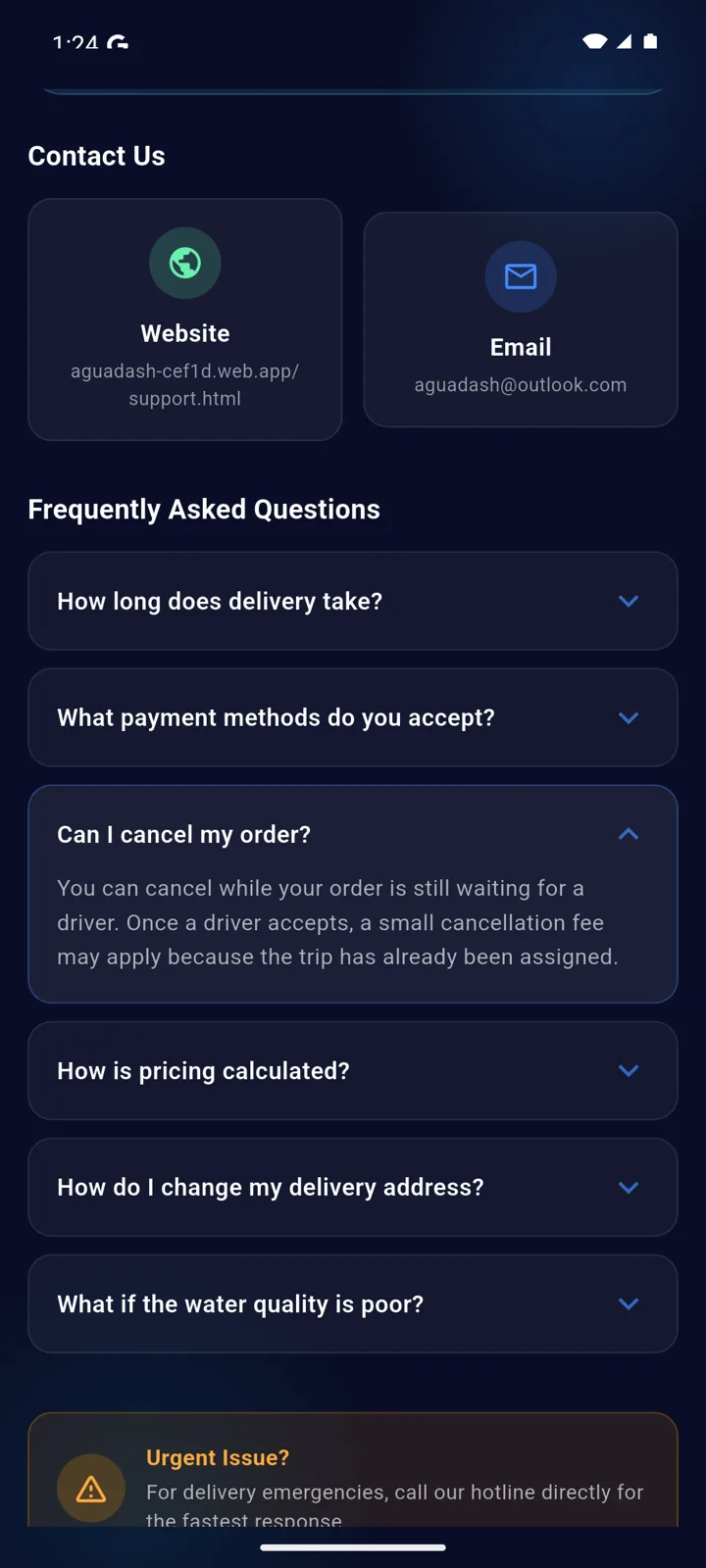
Public contact
- Email: [email protected]
- About AguaDash: about.html
- Privacy Policy: privacy.html
- Terms of Service: terms.html
How account deletion works
Account deletion is available from the in-app Account & Legal screen. The app removes login access, profile data, support history, saved delivery addresses, in-app order messages, subscriptions, notification tokens, and other account-linked records that are no longer needed.
Completed orders, reconciliations, and finance records may be retained in anonymized form for accounting, operational integrity, and fraud review.
Don't have the app installed, or can't sign in? Email [email protected] to request deletion of your account and data — you do not need to install or sign in to the app to make this request.
Account & Legal lists Privacy, Terms, Sign out and a clearly marked Delete account control.
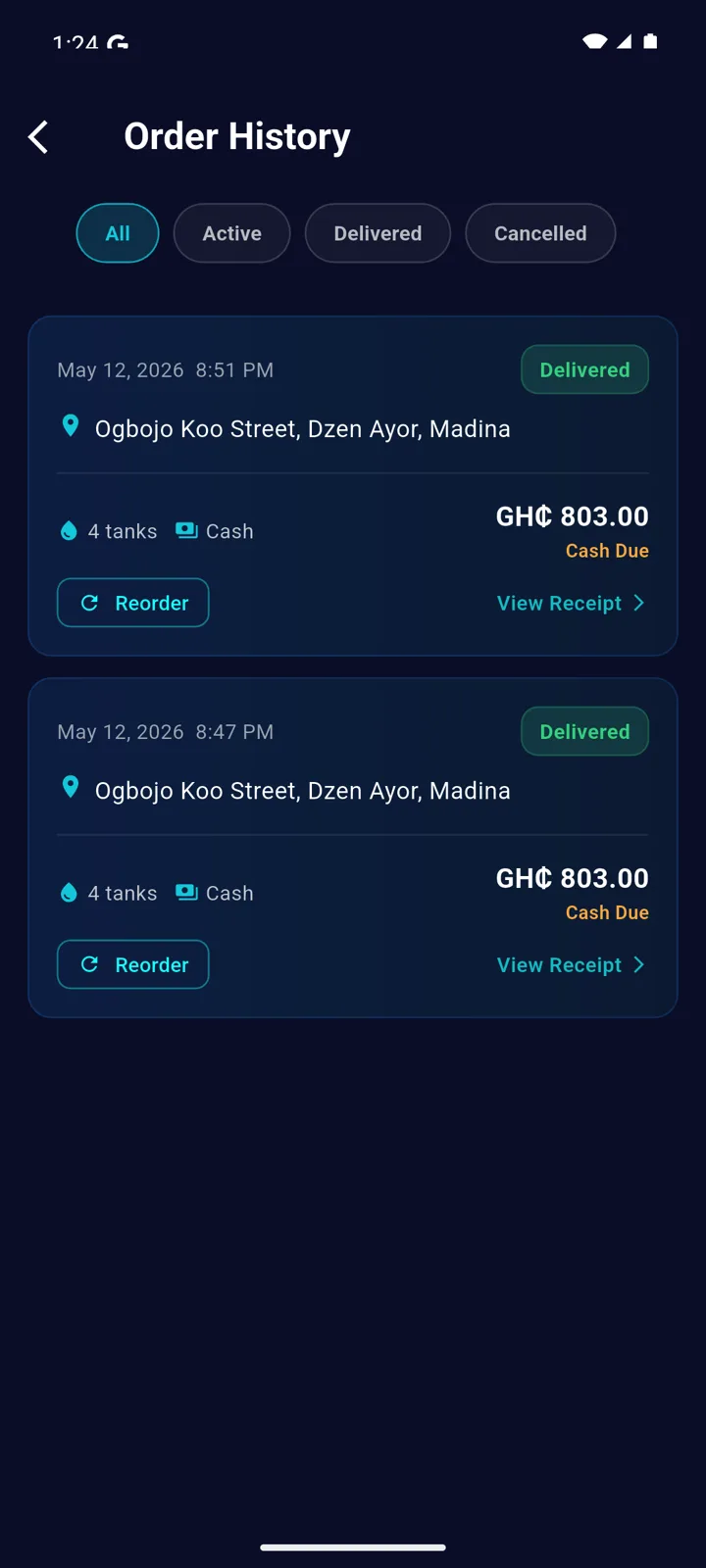
Why deletion may be blocked
- Customers must finish or cancel active deliveries before deletion.
- Drivers must clear pending payouts before deletion.
- These safeguards are intentional and were verified against the live backend.
Reviewer and tester note
If you are reviewing AguaDash for release, customer access can be tested with a normal Google sign-in. Driver review should use a pre-approved driver test account because the driver flow can stop at pending approval after OTP-backed registration.